Monthly visits
Not availableData as of Oct 24, 2026W
Monitoring & Testing
WP Multitool
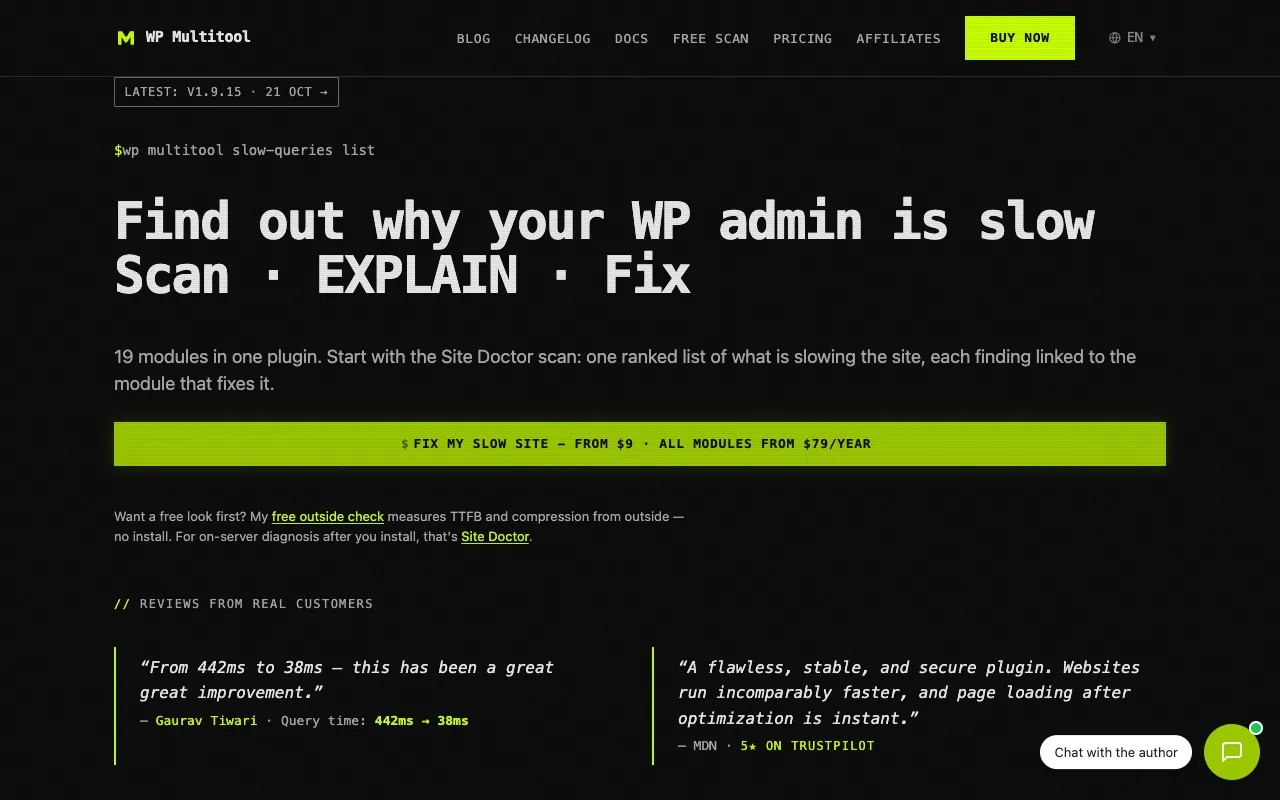
Diagnose slow WordPress sites and fix database and performance issues
Wwpmultitool.comNo site preview yet
What it does
- Run a site check after installing the plugin to get a prioritized list of performance issues linked to repair modules.
- Analyze slow queries, clean database clutter, and manage background-job buildup with modules you enable as needed.
Made for
Who is it for?
For WordPress developers and agencies diagnosing slow admin screens and site performance.
Top alternatives
Compare features, prices, and free plans
| Tool | Price | What's free | Best for |
|---|---|---|---|
| WWP Multitool | $9 one-time | A free external check measures time to first byte and compression without installation; server-side diagnosis requires the plugin. | Diagnose slow WordPress sites and fix database and performance issues |
| AAgent Checker | $25.40 one-time | The free Quick check reviews protocol signals; a one-off Full audit starts at GBP 19. | Test where AI agents get stuck while using your website |
| SStatusPage.me | From $70/yr | A free plan is available, with limits unspecified. Starter includes a 14-day trial without a credit card. | Monitor outages and keep customers updated with a branded status page |
| EEmailens | From $9/mo | The free plan provides 30 checks per day across 21 email clients, including dark mode previews. | Find email rendering and dark mode issues before sending |
Prices and free limits can change. Check the official site for the latest details.
The business behind the tool
What should you build next?
See what tools earn, how crowded the market is, and how long a solo build might take. Get a build, wait, or skip verdict, with lessons from successes and failures.
These are sample assessments, not final recommendations. We don't guess at missing revenue, traffic, or build times.
Monthly recurring revenue (USD)
$62.92Data as of Oct 24, 2026Launched
Jan 2026Data as of Oct 24, 2026Founders
1Data as of Oct 24, 2026Worth building? Look at the evidence
Higher is better (out of 5)Demand Estimate
Trends, anchor-relative interest, and growth are unavailable; 1 unique suggestion long tails. Demand is estimated only from suggestion count.
1/5
1/5
Room to compete
Not available
Edge over free options Estimate
The first 10 returned results for “wordpress performance troubleshooting free” contain 3 confirmed sufficient free tools, deduplicated by domain: pluginprofiler.com, wordpress.org, wpstats.org; 3 tools remain unknown. In this category, 8/19 (42.1%) are free/freemium and 1 have unknown pricing; this Codex search sample is not a live Google ranking.
2/5
Can you build it solo? Estimate
Preliminary assessment: Diagnostic and cleanup modules can be implemented in stages, but database changes and plugin compatibility require careful validation.
3/5
Finding customers Estimate
Preliminary assessment: Slow WordPress admin interfaces and slow query troubleshooting offer clear entry points through searches for these problems.
5/5
Willingness to pay Estimate
Preliminary assessment: Maintenance staff responsible for the stability of client websites have a strong motivation to pay.
4/5
Higher scores mean better prospects. These are sample assessments, not investment advice.