Monthly visits
Not availableData as of Oct 24, 2026V
Browser & Office Utilities
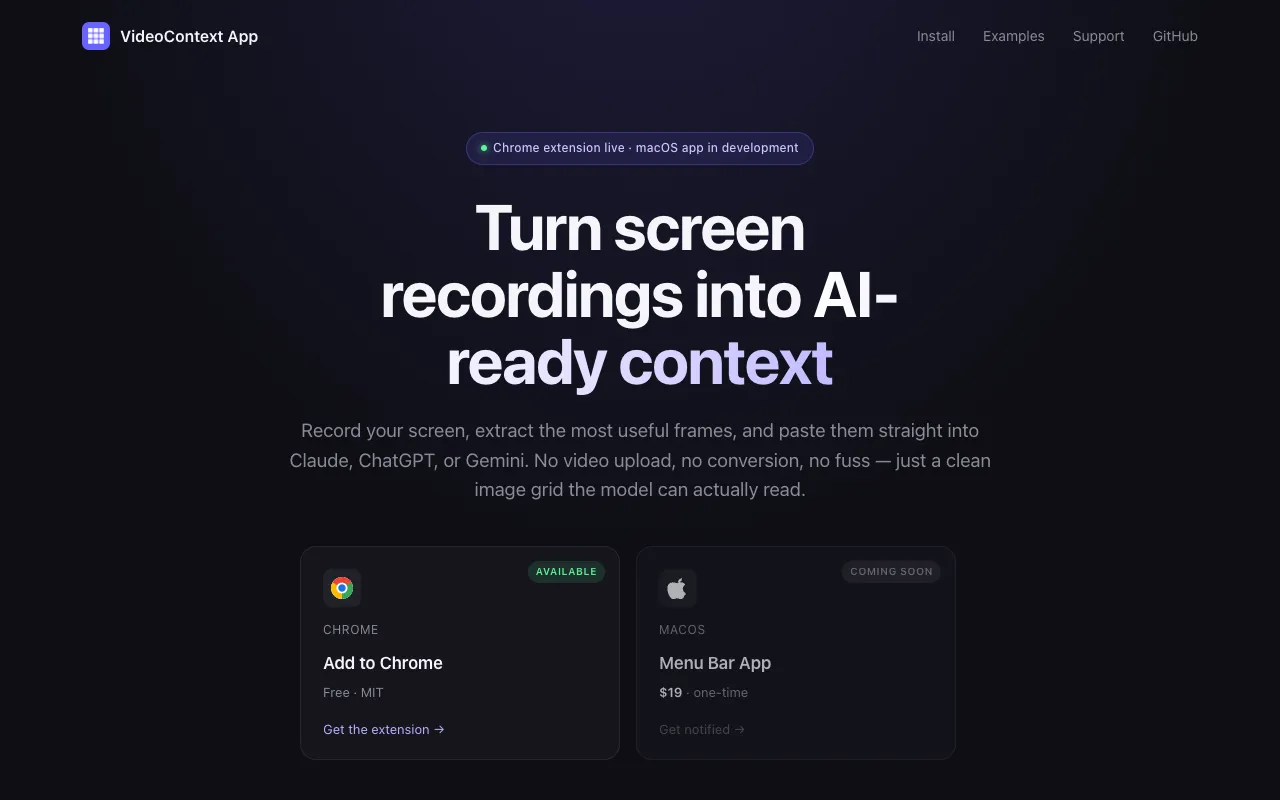
VideoContext App
Extract useful screen-recording frames for AI conversations
Vvideocontext.appNo site preview yet
What it does
- Record your screen with the Chrome extension and extract useful frames into an image grid.
- Copy the grid to your clipboard and paste it into an AI conversation to provide visual context.
Made for
Who is it for?
For developers and professionals sharing visual workflows or interface problems with AI assistants.
Top alternatives
Compare features, prices, and free plans
| Tool | Price | What's free | Best for |
|---|---|---|---|
| VVideoContext App | Free | The released Chrome extension is free and open source under the MIT license. | Extract useful screen-recording frames for AI conversations |
| DDijital Link | From $40/yr | TrustMRR lists a free plan without specifying its limits. | Create a bio page and manage short links and QR codes |
| QQR Code AI | Free | The page lists free QR code generation and downloads without watermarks; specific limits are not shown. | Create branded QR codes with logos, colors, and AI-generated art |
| PPrompt Builder | From $9/mo | Generate 5 prompts per month for free, with no credit card required. | Turn rough ideas into reusable prompts for your chosen AI model |
Prices and free limits can change. Check the official site for the latest details.
The business behind the tool
What should you build next?
See what tools earn, how crowded the market is, and how long a solo build might take. Get a build, wait, or skip verdict, with lessons from successes and failures.
These are sample assessments, not final recommendations. We don't guess at missing revenue, traffic, or build times.
Monthly recurring revenue (USD)
$0Data as of Oct 24, 2026Launched
May 2026Data as of Oct 24, 2026Founders
1Data as of Oct 24, 2026Worth building? Look at the evidence
Higher is better (out of 5)Demand
Not available
1/5
Room to compete
Not available
Edge over free options
Not available
Can you build it solo? Estimate
Initial assessment: Browser screen recording, frame extraction, and clipboard output can use existing browser capabilities.
4/5
Finding customers Estimate
Initial assessment: Extracting key frames from screen recordings and providing image context to AI have specific demand entry points.
4/5
Willingness to pay Estimate
Initial assessment: It mainly supports individual workflows, and the current extension is free, so the motivation to pay directly is relatively weak.
2/5
Higher scores mean better prospects. These are sample assessments, not investment advice.