Monthly visits
36Data as of Oct 24, 2026S
Contracts & Signatures
SignQuick
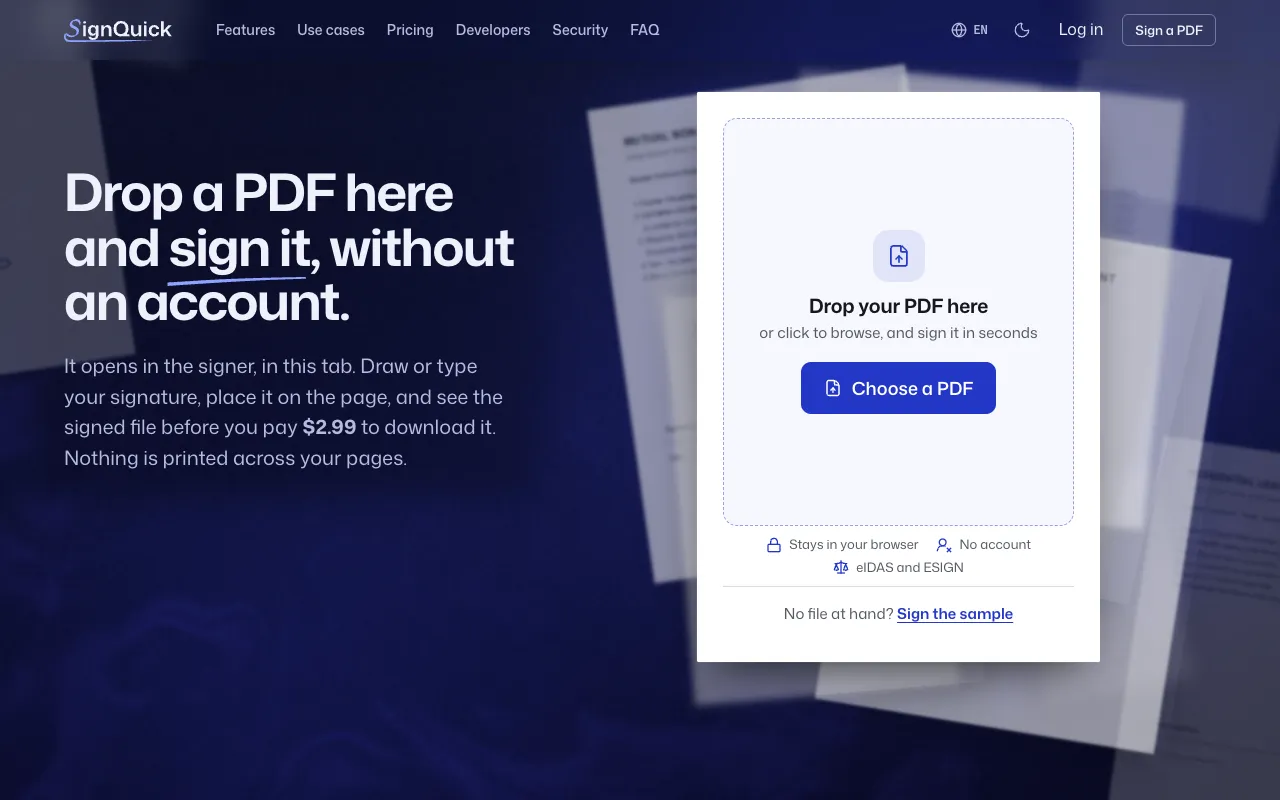
Sign PDFs in your browser and send private links to other signers
Ssignquick.appNo site preview yet
What it does
- Upload a PDF, draw or type a signature, and place it on the page before paying to download the result.
- Send private signing links, set signing order and deadlines, and track responses when others need to sign.
Made for
Who is it for?
For freelancers and small teams signing documents and collecting signatures.
Top alternatives
Compare features, prices, and free plans
| Tool | Price | What's free | Best for |
|---|---|---|---|
| SSignQuick | Pay as you go, from $2.99 | Check the official site for details | Sign PDFs in your browser and send private links to other signers |
| SSignWith | Pay as you go, from $9 | Sign 3 documents free each month without a credit card; additional documents use paid credits. | Collect electronic signatures and pay per signed document |
Prices and free limits can change. Check the official site for the latest details.
The business behind the tool
What should you build next?
See what tools earn, how crowded the market is, and how long a solo build might take. Get a build, wait, or skip verdict, with lessons from successes and failures.
These are sample assessments, not final recommendations. We don't guess at missing revenue, traffic, or build times.
Monthly recurring revenue (USD)
$6Data as of Oct 24, 2026Launched
Mar 2025Data as of Oct 24, 2026Founders
2Data as of Oct 24, 2026Worth building? Look at the evidence
Higher is better (out of 5)Demand Estimate
Trends, anchor-relative interest, and growth are unavailable; 23 unique suggestion long tails. Demand is estimated only from suggestion count.
2/5
1/5
Room to compete
Not available
Edge over free options Estimate
The first 10 returned results for “online pdf signing free” contain 7 confirmed sufficient free tools, deduplicated by domain: tools.pdf24.org, openpdf.app, ghostx.tools, portant.co, justsign.org, pdfsignature.org, pdfwix.com; 3 tools remain unknown. In this category, 1/2 (50.0%) are free/freemium and 0 have unknown pricing; this Codex search sample is not a live Google ranking.
1/5
Can you build it solo? Estimate
Initial assessment: Basic PDF signing can be developed relatively quickly, while multiple signers, encrypted links, and audit records increase implementation and validation difficulty.
3/5
Finding customers Estimate
Initial assessment: Signing PDFs online and electronic signatures from multiple signers have clear demand keywords.
5/5
Willingness to pay Estimate
Initial assessment: Professional users need to deliver signed documents, and charging per document fits the usage scenario.
4/5
Higher scores mean better prospects. These are sample assessments, not investment advice.