Monthly visits
Not availableData as of Oct 24, 2026H
Browser & Office Utilities
How to Convert
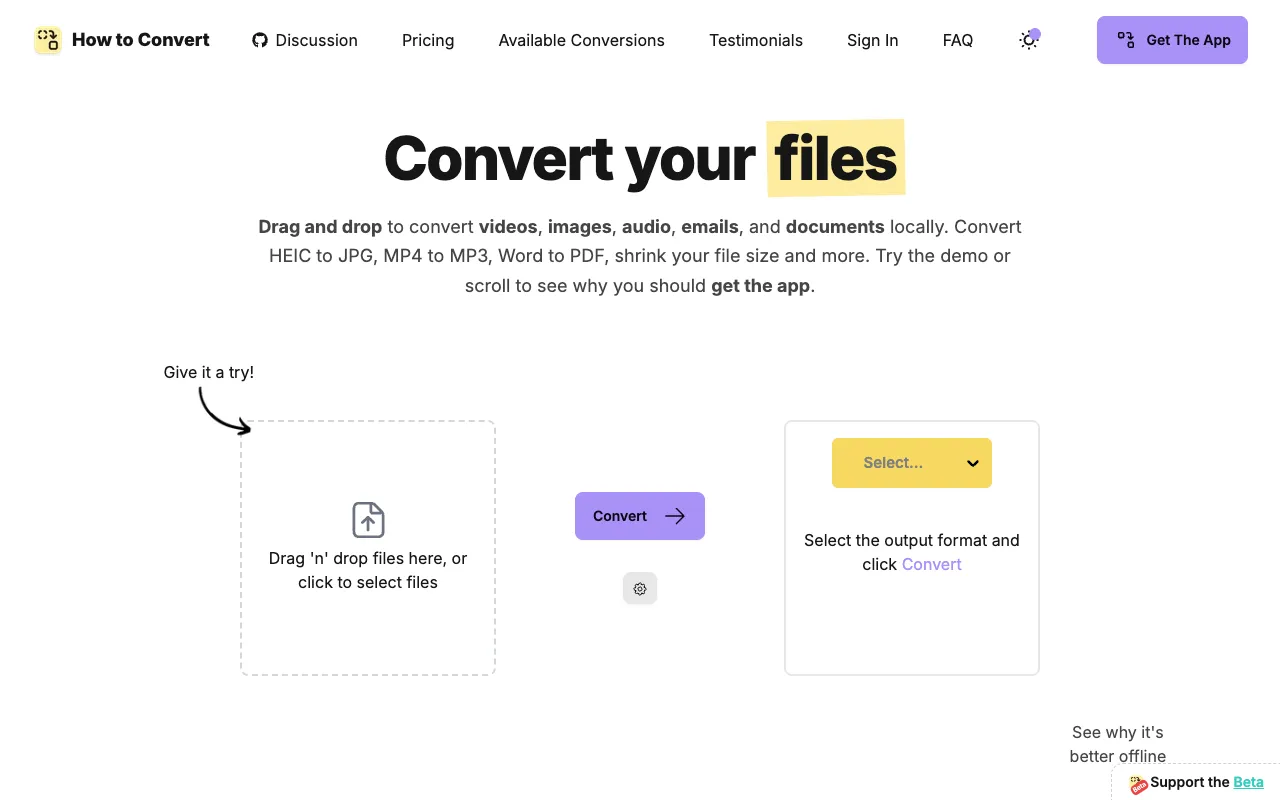
Convert documents, media and email files locally on your device
Hhowtoconvert.coNo site preview yet
What it does
- Drop in a file and choose an output format to convert documents, images, audio, video or email.
- The browser demo processes files locally, while the desktop app supports offline conversion and compression settings.
Made for
Who is it for?
For people converting varied file formats while keeping their files on their own device.
Top alternatives
Compare features, prices, and free plans
| Tool | Price | What's free | Best for |
|---|---|---|---|
| HHow to Convert | Check site for pricing | Check the official site for details | Convert documents, media and email files locally on your device |
| tterrific.tools Desktop | $14.99 one-time | Check the official site for details | Batch-convert media and documents locally on your desktop |
| TTeraConvert | Check site for pricing | The first conversion is free. | Convert files, edit PDFs and process images locally on your Mac |
| OOneMacTools | $9 one-time | Check the official site for details | Handle everyday media and file tasks locally on your Mac |
Prices and free limits can change. Check the official site for the latest details.
The business behind the tool
What should you build next?
See what tools earn, how crowded the market is, and how long a solo build might take. Get a build, wait, or skip verdict, with lessons from successes and failures.
These are sample assessments, not final recommendations. We don't guess at missing revenue, traffic, or build times.
Monthly recurring revenue (USD)
$0Data as of Oct 24, 2026Launched
Feb 2025Data as of Oct 24, 2026Founders
1Data as of Oct 24, 2026Worth building? Look at the evidence
Higher is better (out of 5)Demand Estimate
Trends, anchor-relative interest, and growth are unavailable; 13 unique suggestion long tails. Demand is estimated only from suggestion count.
2/5
1/5
Room to compete
Not available
Edge over free options Estimate
The first 10 returned results for “offline file converter free” contain 9 confirmed sufficient free tools, deduplicated by domain: optimalconvert.com, localpix.org, 1filetool.com, github.com, joelint.com, localconvert.com, webconverter.app, filee.sh, file-converter-pro.org; 0 tools remain unknown. In this category, 39/59 (66.1%) are free/freemium and 1 have unknown pricing; this Codex search sample is not a live Google ranking.
1/5
Can you build it solo? Estimate
Preliminary assessment: Local conversion can integrate existing conversion libraries, but installation across operating systems and format compatibility require substantial testing.
3/5
Finding customers Estimate
Preliminary assessment: Specific file format conversion keywords can correspond to direct needs.
5/5
Willingness to pay Estimate
Preliminary assessment: Offline use and privacy needs provide reasons to pay, but ordinary conversion users are price-sensitive.
3/5
Higher scores mean better prospects. These are sample assessments, not investment advice.